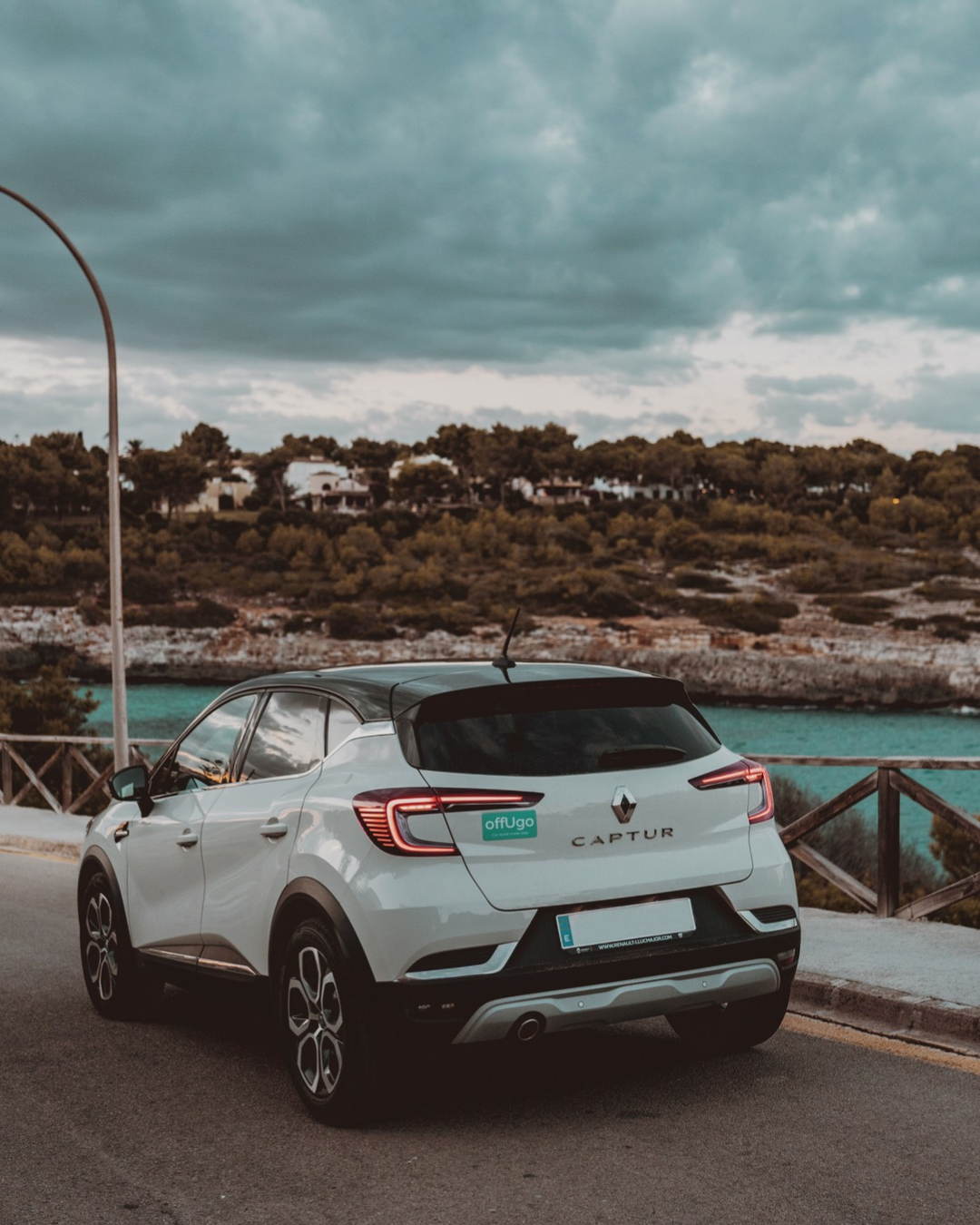
offUgo Ibiza Flughafen

Autovermietung am Flughafen Ibiza leicht gemacht und ohne Warteschlangen - OffUgo -10%!

Wenn Sie in Ihrem Urlaub wirklich flexibel sein und die versteckten Schätze der Insel auf eigene Faust erkunden möchten, ist ein Mietwagen die perfekte Lösung.

OffUgo ist ein spanischer Autovermieter, der seinen Kunden innovative, digitale Lösungen anbietet. Ihr Service ermöglicht es Ihnen, den Mietvertrag online zu buchen und zu unterschreiben, wodurch lange Warteschlangen vermieden werden. Mit Ihrem Telefon können Sie Ihren Mietwagen am Flughafen Mallorca lokalisieren und aufschließen, und mit den Schlüsseln im Handschuhfach können Sie sofort losfahren.

Was wir an OffUgo am meisten schätzen, ist, dass Sie das Auto jederzeit abholen und zurückgeben können – ob früh morgens oder spät abends. Selbst ein verspäteter Flug ist kein Problem, da man sich keine Sorgen machen muss, ob der Vermieter auf einen wartet.

Nutzen Sie unseren offUgo Gutscheincode FIESTA10 und genießen Sie zusätzliche Vorteile!

wiber guarantee

500€-Garantie von Car4YouSpain

Bei jeder Buchung mit dem FIESTA10-Rabattcode sparen Sie nicht nur, sondern sind auch durch unsere Car4YouSpain-Garantie in Höhe von 500 € geschützt.
Wir empfehlen nicht nur – wir übernehmen auch Verantwortung.

Wenn Sie in einen Rechtsstreit mit dem Vermieter geraten und ungerechtfertigte oder unerwartete Gebühren zahlen müssen, übernehmen wir die Kosten – bis zu 500 €, die innerhalb von 7 Werktagen erstattet werden, sobald Ihr Fall geprüft und genehmigt wurde.

Online Check-in, Pick-up, Drop-off - Machen Sie sich bereit für einen reibungslosen Ablauf!

Für den Zugriff auf das OffUgo Website zu gelangen, klicken Sie auf die Schaltfläche„Buchen „.

  • Wählen Sie Ihren Standort und den Mietzeitraum aus und klicken Sie dann auf die Schaltfläche „Suchen“.

Auswahl der Fahrzeuge:

  • Wählen Sie Ihr bevorzugtes Auto

Auf der nächsten Seite können Sie Ihrer Buchung zusätzliche Leistungen hinzufügen:

  • Sie können das „Peace of Mind Pack“ für nur 5 €/Tag zu Ihrer Buchung hinzufügen! Dieses Paket bietet die folgenden Vorteile:
    • Hilfe bei einer Reifenpanne
    • Bietet Ihnen Unterstützung bei den meisten Verkehrsverstößen
    • Verwechslung von Diesel und Benzin an der Tankstelle (kein Kraftstoffmangel, aber Motorschäden werden übernommen)
    • Ersatz von verlorenen oder abgebrochenen Schlüsseln
    • Rückerstattung bei vorzeitigem Verzicht

  • Auf der rechten Seite sehen Sie die Höhe der Kaution, die Sie zahlen müssen und die Ihnen innerhalb weniger Werktage nach der Buchung erstattet wird.
  • Geben Sie den Rabattcode FIESTA10 ein und erhalten Sie 10% Rabatt.
  • Klicken Sie dann auf„Weiter „, um fortzufahren.

Erstellen Sie ein OffUgo-Konto:

  • Geben Sie den Namen, die Telefonnummer und die E-Mail-Adresse des Fahrers ein, erstellen Sie dann Ihr Konto, indem Sie ein Passwort eingeben und auf die Schaltfläche„Anmelden “ klicken.
  • Wenn Sie es wünschen, können Sie kostenlos einen weiteren Fahrer hinzufügen.
  • Klicken Sie erneut auf„Weiter „, um fortzufahren.

Flugnummer, Personalausweis-/Reisepassnummer, Rechnungsdaten, Zahlung:

  1. Geben Sie den Namen der Fluggesellschaft und die Flugnummer ein, und klicken Sie dann auf „Weiter „.
  2. Geben Sie dann den Namen der Fluggesellschaft und die ID- oder Passnummer ein und klicken Sie erneut auf „Weiter „.
  3. Geben Sie Ihre Rechnungsdaten ein.
  4. Geben Sie Ihre Kartendaten ein und klicken Sie schließlich auf„Reservieren für…“, um Ihre Buchung abzuschließen.

Buchungsbestätigung:

  • Überprüfen Sie Ihr E-Mail-Konto, um Ihre Buchung zu bestätigen. (Falls Sie die Nachricht nicht in Ihrem Posteingang sehen, überprüfen Sie Ihren Spam-Ordner)

Öffnen Sie die Bestätigungs-E-Mail.

Klicken Sie auf die Schaltfläche „Einchecken“, um den Online-Check-in-Prozess zu starten.

Sehen Sie sich das folgende Video an, das Sie Schritt für Schritt durch den Online-Check-in-Prozess führt.

Am Ende des Videos finden Sie Informationen darüber, wie Sie den Treibstoff im Voraus bezahlen können, was Sie spätestens bei der Abfertigung tun können. Für diese Transaktion wird eine Bearbeitungsgebühr von 1,8 € erhoben.

Die Suche nach dem Auto:

  • Nach Ihrer Ankunft folgen Sie den „P“-Schildern (siehe beigefügte Bilder), um das Flughafenterminal zu verlassen und zum Parkplatz zu gelangen.
  • Der Weg zum Parkhaus ist auch durch die „P“-Schilder gekennzeichnet. Den genauen Standort des Fahrzeugs finden Sie in dem Link, den Sie zum Freischalten des Fahrzeugs erhalten haben.
  • Schilder helfen Ihnen, sich auf dem Parkplatz zurechtzufinden. Sie finden den Standort Ihres Fahrzeugs nach folgendem System: Parkplatz, Stockwerk, Stellplatznummer. Beispiel: Parkplatz P2, 2. Stock, Stellplatz 092.

Unlocking the car:

  • Open the car unlock link on your mobile and follow the steps.
    • Sign the contract.
    • Take a photo of the license plate.
    • Check the fuel tank level and compare it with the value in the app. If they match, approve the level.
  • In the glove compartment you will find the car keys and the parking ticket.
  • Pay the parking ticket at the pay stations (0.5-2€)

Now everything is ready – let the holiday begin! 😊🚗✈️

Return the car to the airport's parking lot NOT to the car rental's lot
  • At the airport, you must leave your car in the airport’s parkings lot
  • To find the parking lot, follow the „BLUE P signs“
  • Take a parking ticket at the entrance
  • Once you arrive at the parking lot, go up to the second, third, fifth or sixth floor and park in an available space.
Process of locking the car and completing the reservation:

1.

Open the lock link you received in your email.

Click on the „Next step“ button to start the locking process.

2.

Enter the fuel level, then take a photo and upload the image, then click „Next step“

3.

Leave the key and the parking ticket in the glove compartment, then take a photo and upload it.

4.

Take a photo of the vehicle license plate number with the parking space number, then upload the photo.

After completing all the steps, click on the „Close Vehicle“ button to lock the car.

5.

Once you have locked the car, your reservation is considered complete.

Open the OffUgo website.

  • In the top right corner, click on the „Sign in“ button and log in to your account.
  • Once logged in, open the drop down menu and select „My bookings“.
  • Find your booking and click on the „Details“ button.

Scroll down until you see the „Cancel Reservation“ button, then click on it.

  • To confirm the cancellation, enter the text and number you see below in the blank field.
  • Finally, click on the „Cancel“ button to finalise the cancellation.

Confirmation check:

  • Check your email account to confirm successful cancellation. (In case you don’t see the message in your inbox check your spam folder)

This is how OffUgo works – Basic Package and Peace of Mind Add-on

OffUgo offers two packages: a Basic Package included with every booking, and an optional extra package called Peace of Mind.

In both cases, a fuel deposit of €160 must be paid to the offUgo, which will be refunded by them within a few working days if the car is returned with the same amount of fuel.
However, you also have the option to skip the fuel deposit entirely by paying a €30 fee.

Basic Package – Comes with Every Booking

The Basic Package is automatically included with all reservations and already comes with several benefits:

 Digital pick-up and return – no queues

 Full insurance with no deposit required

 Free second driver

 Roadside assistance in case of breakdown

 Replacement car in case of breakdown or accident

 Unlimited mileage

 Free cancellation up to 24 hours before pick-up

Peace of Mind Pack – Extra Protection

This optional add-on package provides additional safety services:

Assistance in case of a flat tire

Coverage for damages caused by misfuelling

Coverage if the key is lost or broken

Coverage of the administration fee for traffic fines (not the fine itself)

Partial refund in case of early return

Based on our opinion and experience, when is it worth choosing OffUgo car rental?

During peak season, if you want to avoid waiting in lines – everything is handled digitally, so there’s no need to queue at an office or wait for a staff member.

For late arrivals – thanks to the digital pick-up, the vehicle’s unlock link stays active for several hours, so there’s no need to worry about flight delays.

For early drop-offs, the system is just as convenient – you can return the car anytime without in-person interaction, using the same digital process.

If you only need a car for 1–2 days, for example near your accommodation, OffUgo is a great option for quick and hassle-free rental.

Frequently Asked Questions – OffUgo

What does OffUgo’s full insurance with €0 excess cover in the Basic Package?
  • Collision Damage: Full coverage for damage to the vehicle caused by an accident.

  • Personal Injuries: Assistance provided in the event of an accident involving personal injury.

  • Vehicle Theft: Coverage in case the vehicle is stolen.

  • Tyre, Mirror, and Windscreen Damage: The insurance also covers damage to tyres, mirrors, and the windscreen.

  • Undercarriage Damage: Damage to the vehicle’s undercarriage is also included.

    Important note:

  • If the damage occurs due to the renter’s fault, misuse, or negligence, the insurance will not cover it.

  • Driving off-road (on unpaved roads) is also prohibited by the terms of use and is not covered by the insurance.

Yes, a €160 fuel deposit must be paid before picking up the car.

This amount is paid through the online check-in platform prior to collection.

The deposit will be refunded within a few business days if the car is returned with the same amount of fuel as when picked up.
A handling fee of €1.80 applies to this transaction.

📽️ You can find a step-by-step video guide on this process in our tutorial.

At OffUgo, renting a car requires a minimum age of 18 and at least 1 year of driving experience.

No, a credit card is not required to rent a car with OffUgo.

At OffUgo, the rental fee must be paid at the time of online booking.

Only the registered main renter and the pre-added, approved second driver—both at least 18 years old with a valid driver’s license held for at least 1 year—are allowed to drive the vehicle.

  • According to the rental agreement, you must follow these steps:
  • You must immediately notify OffUgo through the official communication channel (e.g., email: bookings@offugo.es).
  • In case of an accident: file a police report, complete an accident report form, collect details of the other party, witnesses, take photos, etc.
  • Do not admit fault at the scene.
  • Do not leave the vehicle unattended, and make sure it is locked if it cannot be moved.

📌 Failure to report the incident on time or through the proper procedure may result in loss of insurance coverage and full liability.

Simply send an email to OffUgo at bookings@offugo.es to let them know. If possible, they will deliver the car to the airport at a later time.

Don’t worry – the digital unlock link remains active for several hours, so you can comfortably pick up the car after your arrival.

At OffUgo, you can cancel your booking free of charge up to 24 hours before pick-up.

Based on our experience, it’s best to book your car as soon as your travel dates are confirmed. However, it’s worth checking prices regularly, as the free cancellation policy allows you to rebook at a better rate if prices drop.

We check the prices once a week, and in about 70% of cases, we manage to find a cheaper rate to switch to.